Creating and using a Meet Events Archive (.zip) file
A Meet Events Archive is a ZIP file that contains detailed schedule information for a competition. Where available, it allows us to populate competition information (events and sessions) in SCDS Membership so that your members can choose their swims online.
If you are importing a SEF6 file, you no longer need a Meet Events Archive as the SEF6 file contains all the information we need to populate the competition in SCDS Membership.
Exporting a Meet Events Archive
To export a Meet Events Archive, open the meet in SportSystems Meet Organisation.
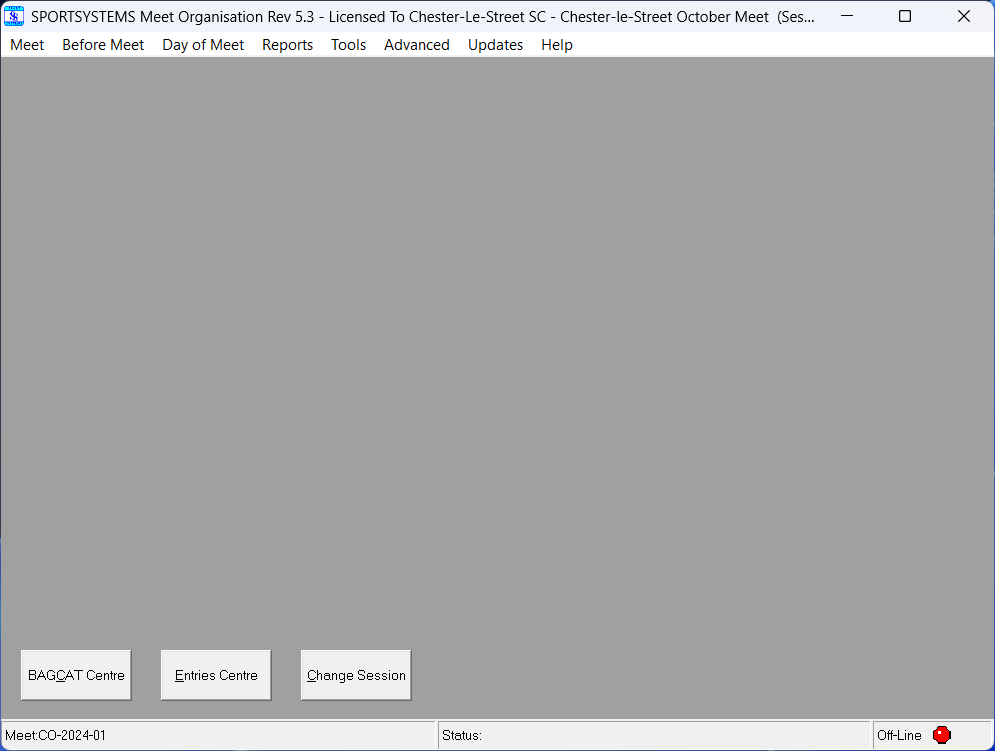
Once you open a meet, you will see a screen similar to the one below.
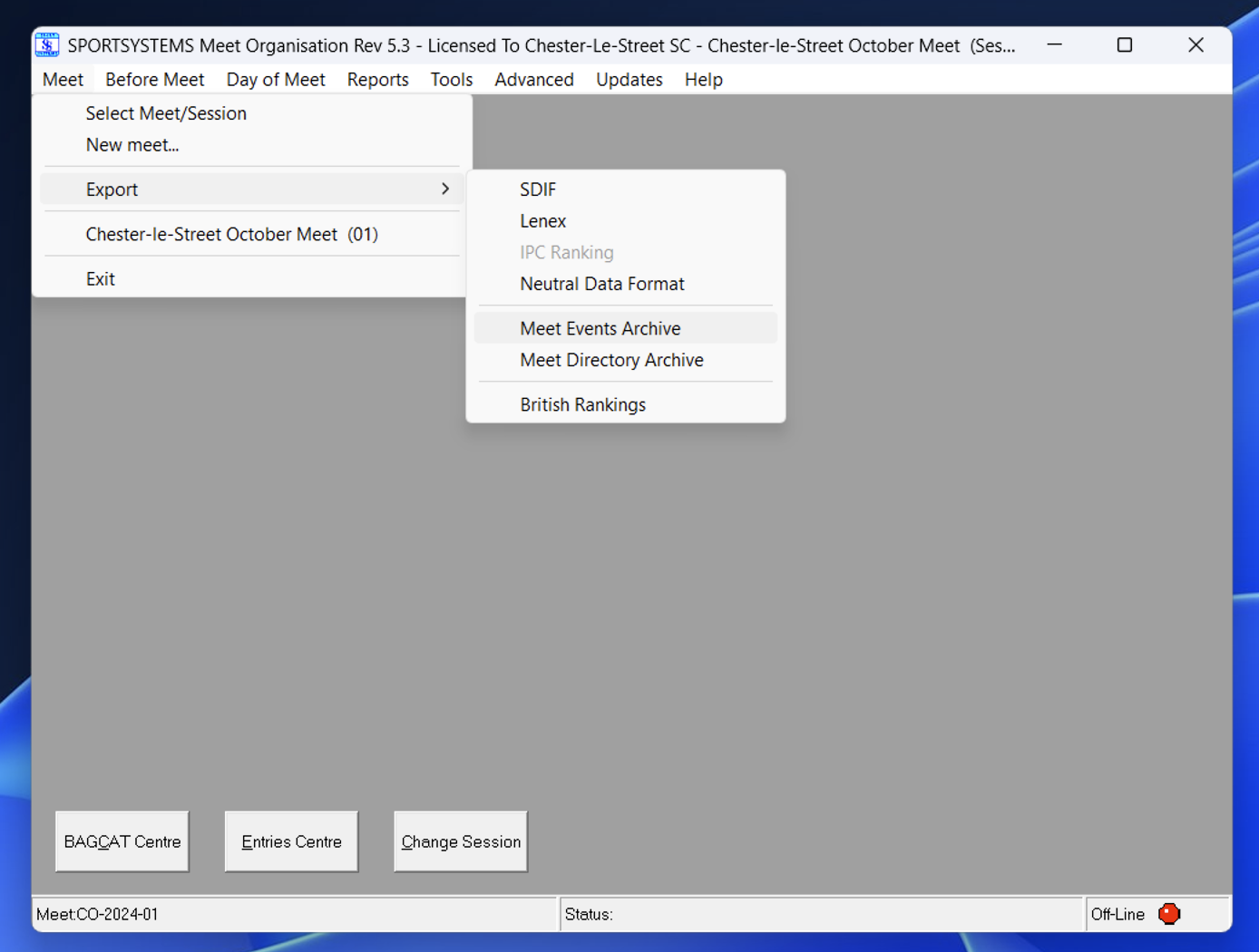
From the main menu, select Meet, then Export, then Meet Events Archive.
The program will ask you to confirm.
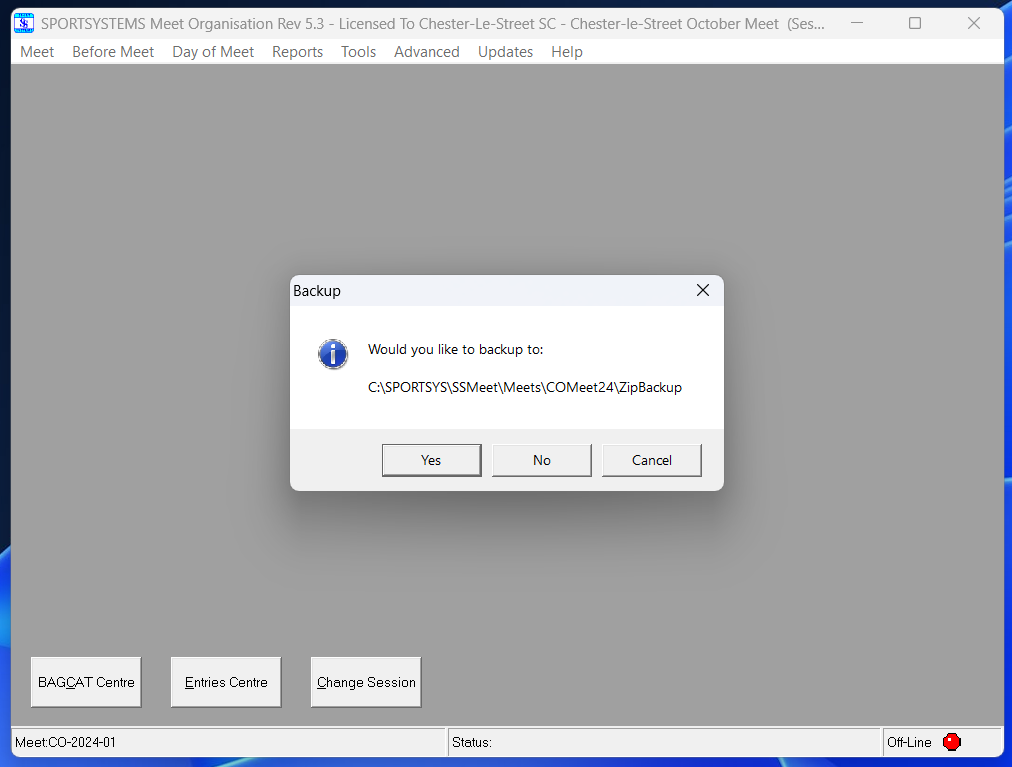
The Meet Events Archive will be created as a ZIP file within the ZIPBackup folder of the meet. The ZIP file will be named as {MEET CODE}{YEAR}rank. zip.
The Meet Events Archive only contains schedule information. It does not contain any competitor information.
How SCDS Membership uses a Meet Events Archive
SCDS Membership only uses a Meet Events Archive to populate competition information (events and sessions) to allow your members to choose their swims online.
We don't generate .SEZ files for you to return to the meet organiser. You must still enter your members' swims into SportSystems Entry Manager to generate an SEZ file. Sadly SPORTSYSTEMS don't support a way to import selected swims into SportSystems Entry Manager.