Managing user roles and permissions
To manage a user's roles and permissions, navigate to the user's profile and select the Role assignments tab.
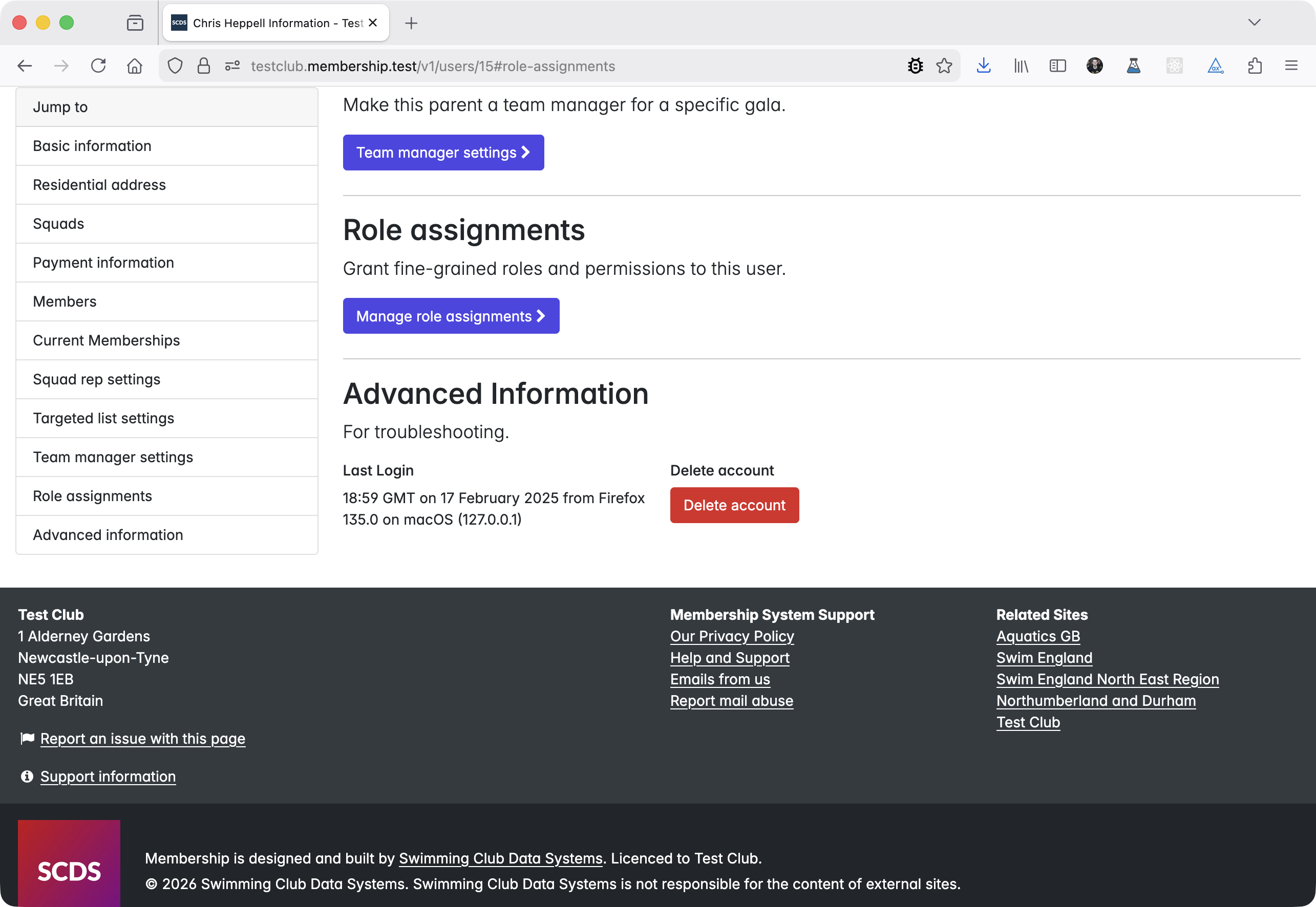
Follow the link to Manage role assignments.
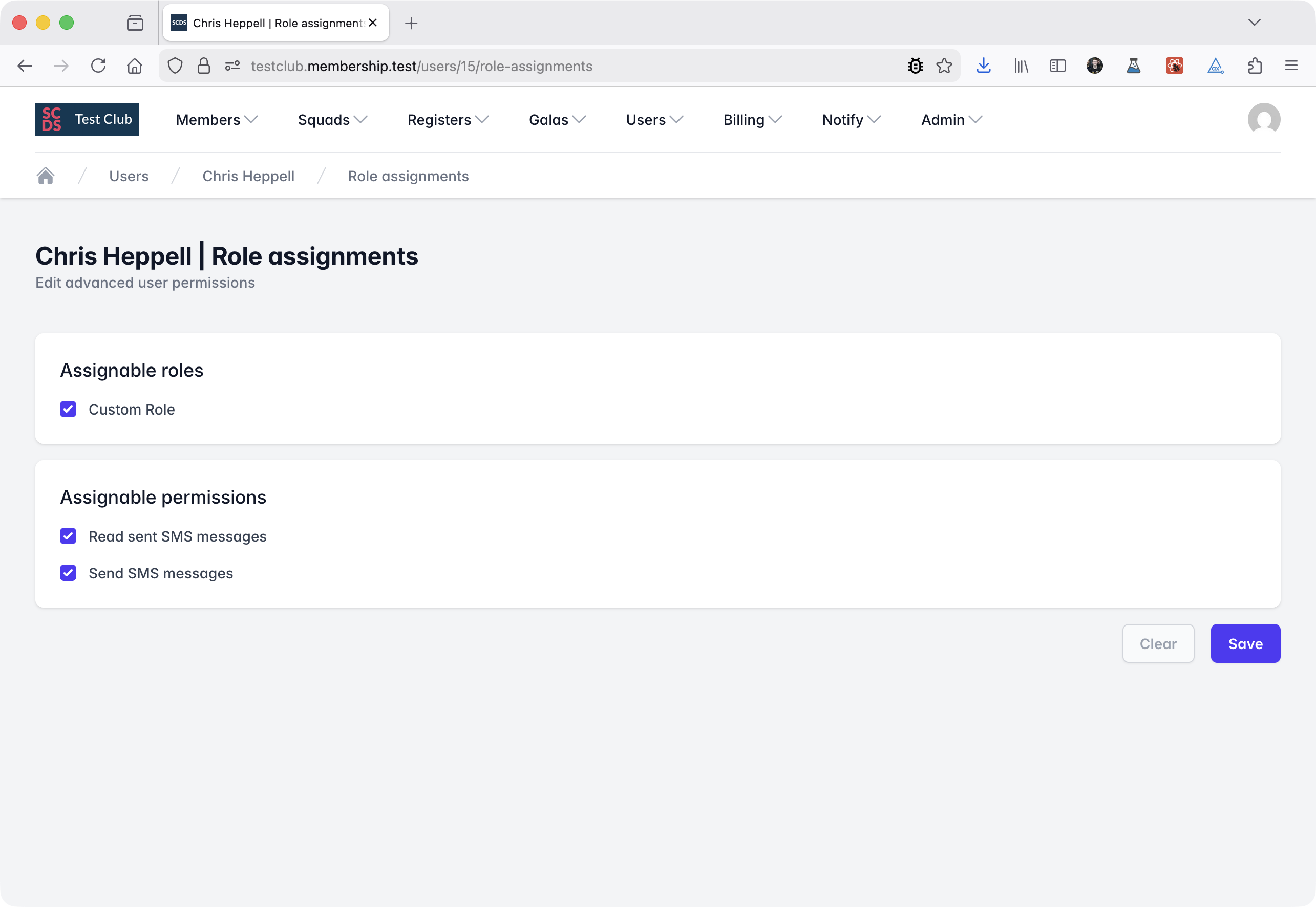
You will be shown a list of all roles and permissions you can assign to the user.
tip
It is recommended that you create and assign roles to users rather than individual permissions. This allows you to create reusable sets of permissions that you can assign to multiple users.
Tick the roles and permissions you want to assign to the user.
Permissions that are inherited from assigned roles will be shown as read only and cannot be unticked. To remove an inherited permission, you must unassign the role that grants it.