Custom roles
You can create a custom role in System Settings. You assign permissions to a role and can then assign that role to users. All users assigned a role will inherit its permissions.
It is strongly recommended that you use roles so that you can create re-usable sets of permissions to grant to your users.
You must have the global Admin permission to create, edit, or delete custom roles or to assign roles and permissions to users.
Creating a role
To create a role, navigate to System Settings and select the Roles tab. Then select Create new role.
Give your new role a name and then select Create. You'll be taken to the edit page where you can select permissions to assign to a role.
Editing a role
To create a role, navigate to System Settings and select the Roles tab. Then select the custom role you want to edit from the list.
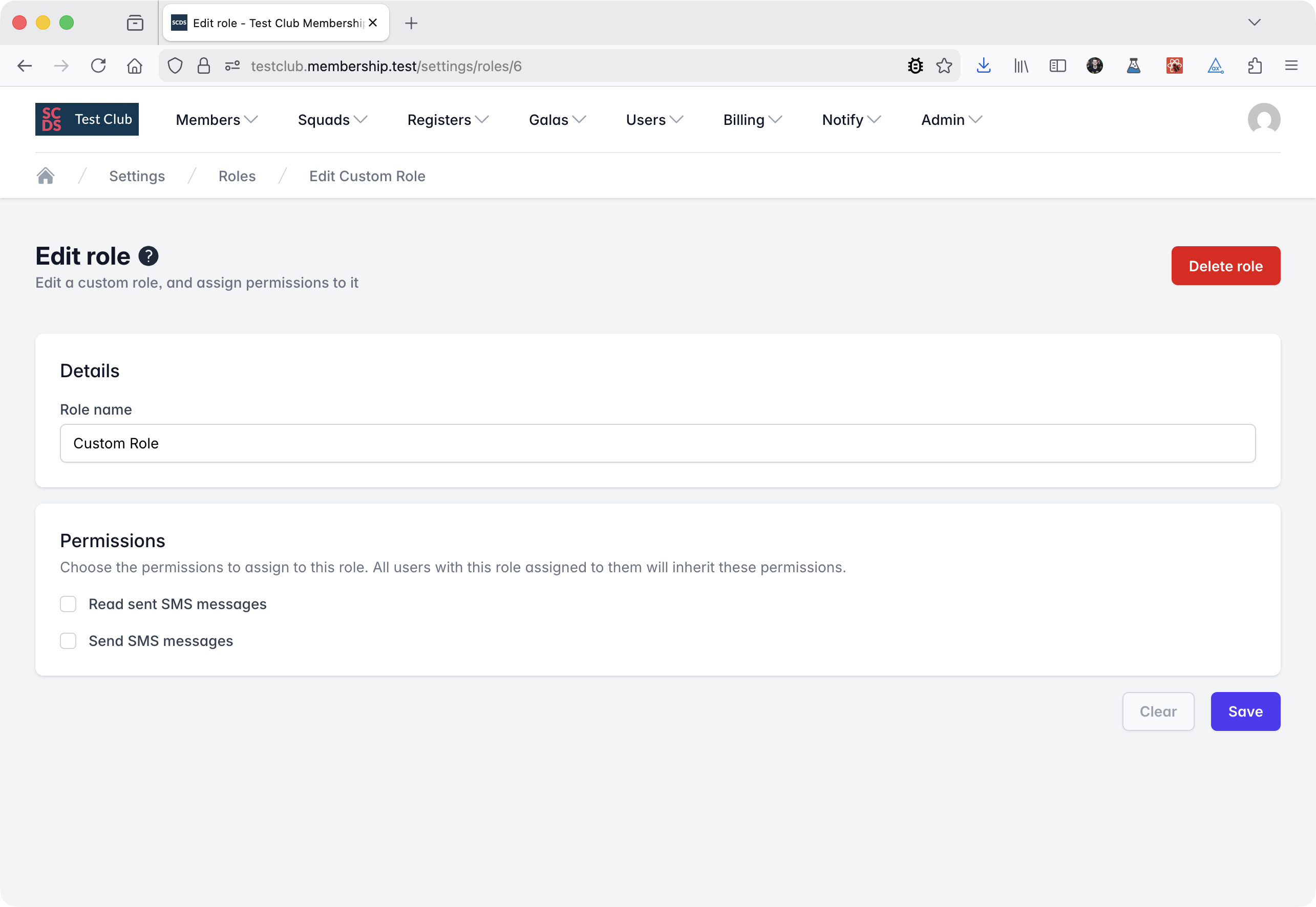
Select the permissions you want to assign to the role and then select Save.
Deleting a role
To delete a role, avigate to System Settings and select the Roles tab. Then select the custom role you want to delete from the list.
Press the Delete role button. You will be asked to confirm deletion.
If you delete a role, all users assigned that role will lose all permissions granted by it unless they inherit those permissions from another role or have them assigned directly.